
List layout
The same tasks as the board, drawn for reading down a page instead of across one.
Read the same tasks down a page instead of across a board. Use it when you want to scan a hundred things rather than move five.
Switch to the list
Click List at the top of All tasks. On a project it is a tab of its own, beside Board.
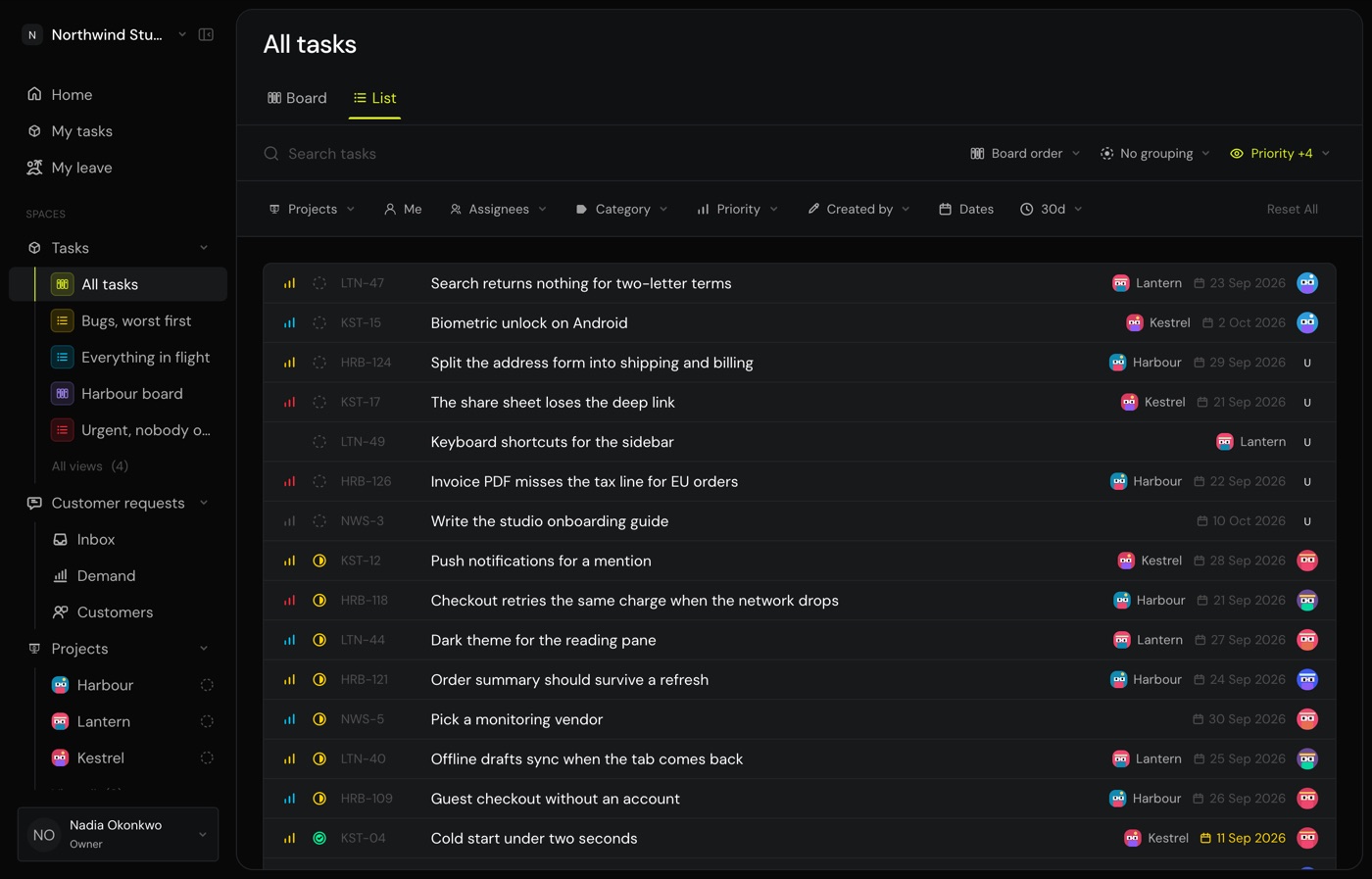
Monkies remembers your choice for each view and each project, so a board you keep as a board stays a board.
Choose what each row shows
Open Properties beside the sort and turn columns on or off: priority, status, type, project, due date, points, subtasks, requests and assignee. Turn them all off for titles alone, which is the fastest thing to read.
Group by status
Pick Group by status to break the list into your board's columns, in board order. Each heading shows the column's real total, not the number on screen.
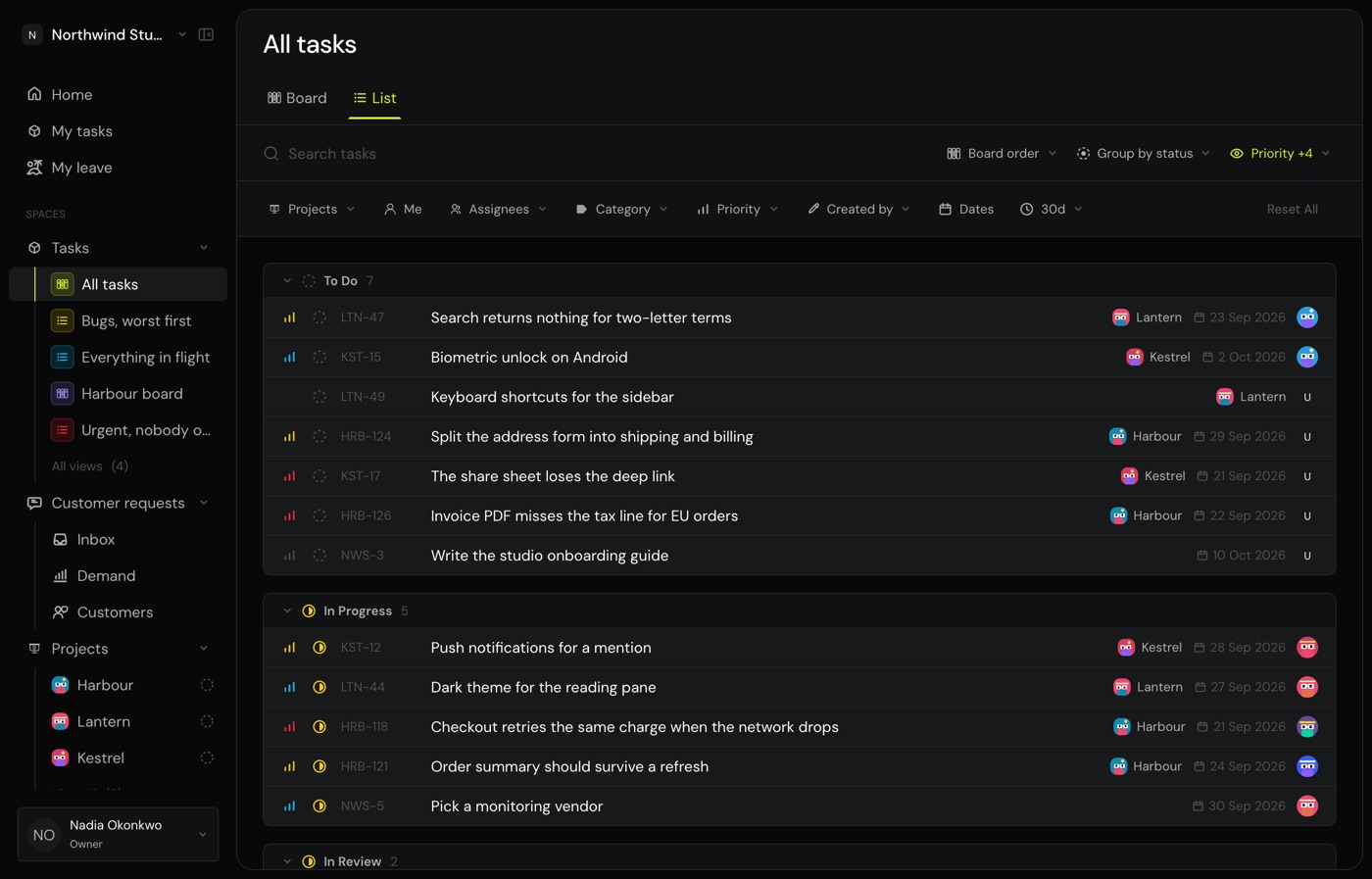
Click a heading to fold a group away. Each group loads its own rows, so a column holding ten thousand finished tasks never buries one holding twelve.
Common questions
Where did my columns go?
Check Properties. A column you turned off stays off until you turn it back on.
Can I drag tasks in the list?
No. Use the board to reorder work by hand.
Does the list show finished work?
Yes, under the same 30-day window the board uses. Widen it with the 30d control.